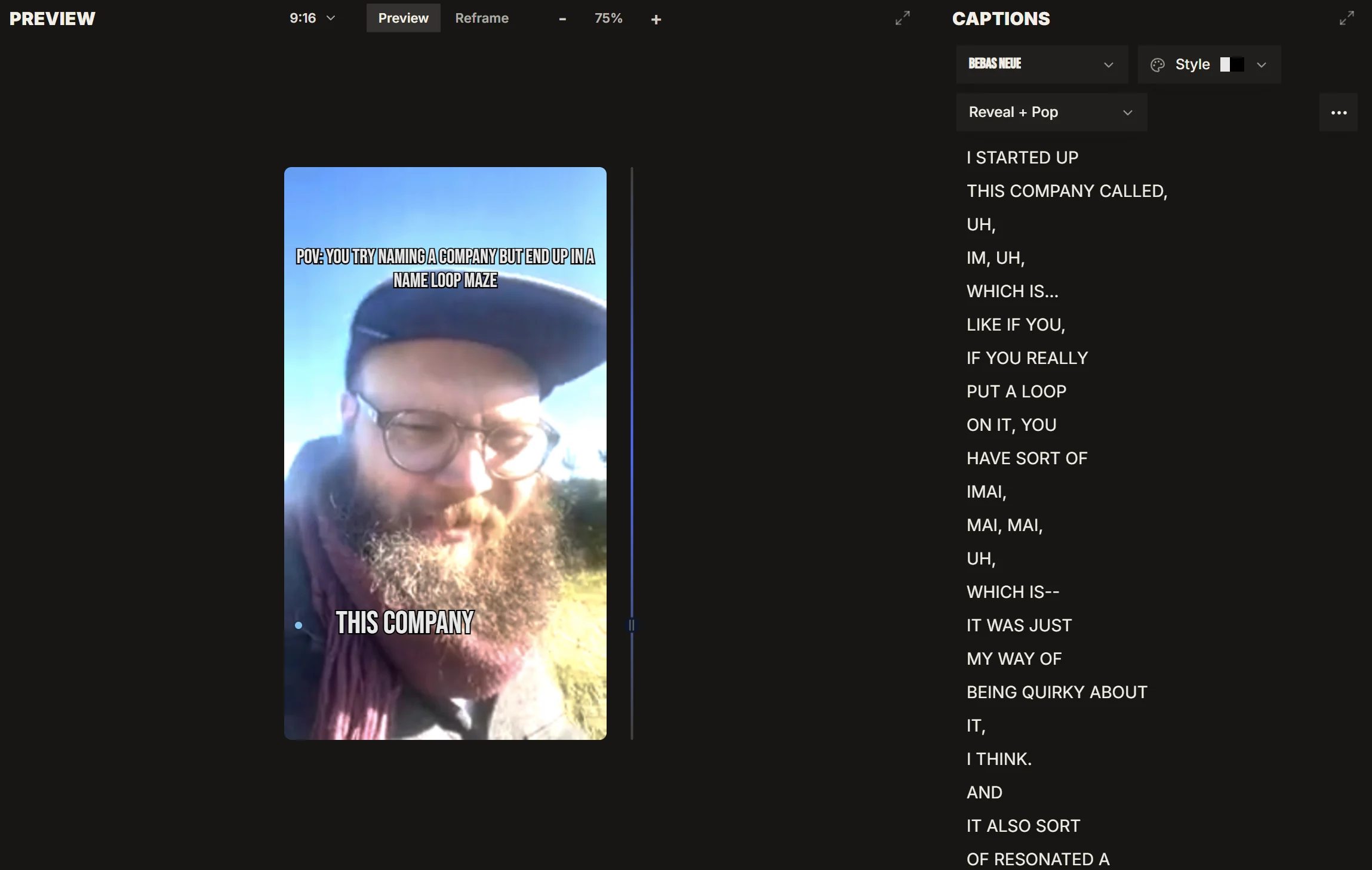
IMABIRD adds captions to your video automatically and renders them into the exported frame, while the wording, timing and style stay editable on the timeline.
On short-form video, captions do more than repeat the dialogue. They control how much text the viewer sees at once, where the eye goes and how quickly the clip feels. IMABIRD generates and styles the captions as part of the edit, then leaves the wording and timing open so you can correct the parts that matter instead of accepting a finished transcript.
Generate them, then make them fit the clip.
Editable
01
Bring the video in
Upload a file or paste a supported link. Captions are generated as part of the editing pass, so there is no separate transcription workflow you have to run before you can start working on the clip.
02
Read the words that matter
Automatic transcription is usually strongest on ordinary speech and weakest on the words your audience notices most: names, brands, products, acronyms and specialist terms. Read those first instead of proofreading every sentence with the same level of attention.
03
Fix the wording and timing
Edit the caption text directly, then adjust when a line appears or disappears if it lands early, stays too long or covers the wrong beat. The goal is not only correct transcription; it is text that moves with the spoken delivery.
04
Save the style once
Caption styling lives in the cut preset. Once you have a treatment that fits the channel or show, reuse it across future clips instead of rebuilding the same visual decisions every time.
The words and the timing both stay editable.
A transcript is only useful if it still behaves like part of the video. In IMABIRD, captions live on the timeline rather than arriving as untouchable output. You can correct a word, change where a line begins, shorten how long it stays on screen and check the result against the actual frame. That matters when a caption covers a face, misses the emphasis in a sentence or hangs around after the cut has already moved on.
What you can change
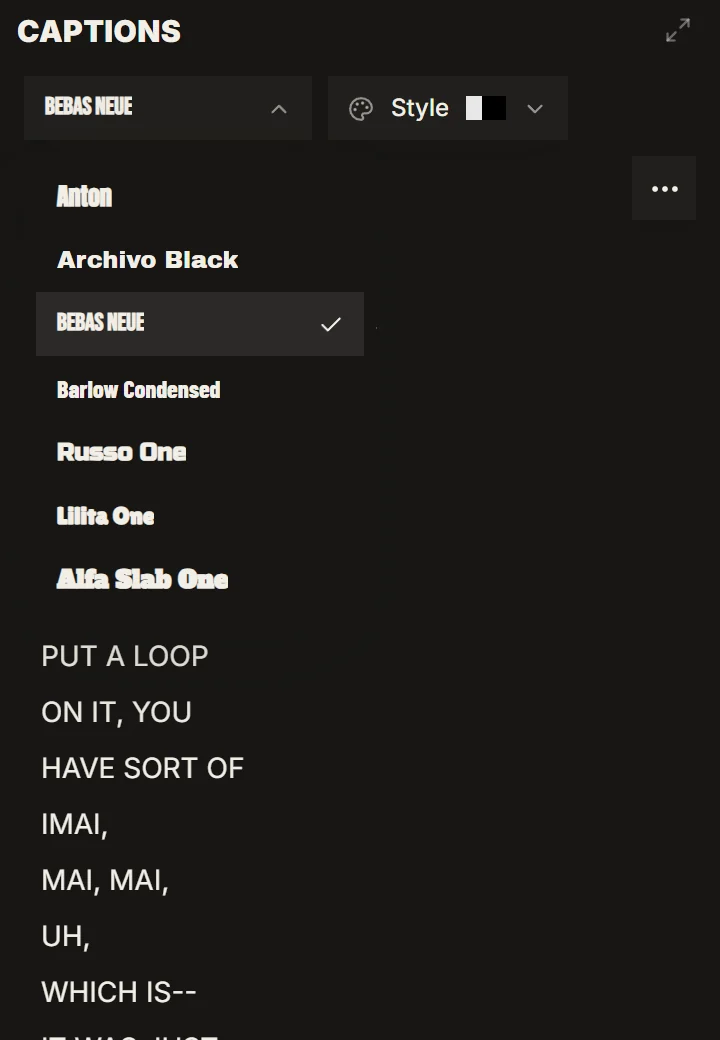
Caption text, including individual words the transcript got wrong
Timing, for lines that arrive too early or stay on screen too long
Caption style, saved into a preset and reused across future clips
Aspect ratio, because line length and safe placement change with the frame
Why the captions are rendered into the video
There is a practical difference between a caption track and captions that are part of the picture. A separate track can be turned off, restyled or handled differently by each platform. Burned-in captions look the same after a re-upload or cross-post because the text is rendered directly into the frame.
That permanence makes sense for short-form video because the captions are doing visual work. Their size, position, line breaks and timing are part of the composition of the clip. They can land with the speaker, emphasise a phrase and keep the viewer moving through the sentence rather than sitting beside the video as optional metadata.
The trade-off is that styling becomes part of the export. That is why presets matter. Settling on a caption system once gives the channel a consistent look and removes a repetitive design decision from every future clip.
Reading speed is usually a bigger problem than transcription accuracy. A full sentence may be perfectly correct and still be poor short-form captioning if it stays on screen too long or takes up half the frame. Shorter lines that turn over with the delivery are easier to read and make the clip feel more responsive.
Questions.
Can I correct a word the transcript got wrong?
Yes. Caption text is editable in the timeline, which is especially useful for names, brands, acronyms and jargon that automatic transcription is more likely to miss.
Can I change how the captions look?
Yes. Caption style is part of a cut preset, so you can choose a treatment once and reuse it across the clips generated with that preset.
Do the captions stay in sync if I trim the clip?
Captions live on the timeline with the rest of the edit, so their timing can be adjusted alongside any trims or structural changes you make.
Are the captions part of the video file?
Yes. They are rendered into the frame on export, so the viewer does not need to enable a separate caption track for them to appear.
Are captions included on the free tier?
Yes. Signing up gives you 50 credits a month without requiring a card, and captions and reframing are both included.