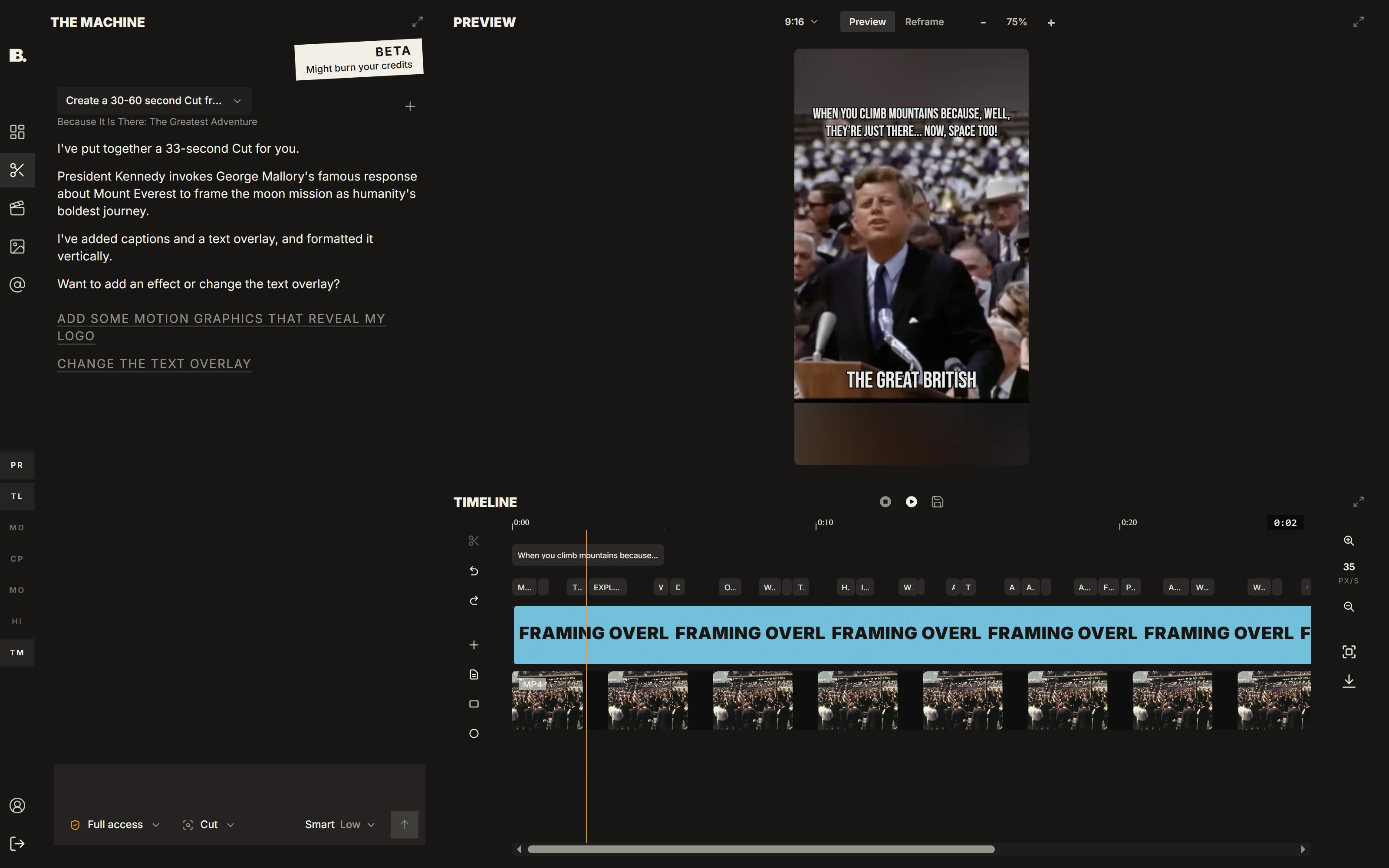
IMABIRD's AI video editor, in beta, lets you ask for an edit in plain language: the AI agent changes the real timeline in checkpointed batches you can review, adjust or undo.
The useful version of an AI editor is not a prompt box that replaces your cut with a new mystery video. It is an editor you can direct. Tell IMABIRD what you want changed in plain language and the agent works on the same timeline you are already using, with the clips, captions and structure still visible and editable afterwards.
Describe the edit, then inspect the result.
Beta
01
Say what you want changed
Talk to the agent from the dashboard, a project or an open cut. Ask it to tighten cut 3, remove the first four seconds, rebuild the captions, find a specific moment or make another concrete change without having to translate the request into a sequence of controls first.
02
It looks through the material
The agent can use the transcript, audio and visual analysis of the media in scope to find the section you described. When it searches for a moment, the result comes back tied to actual timecodes rather than as a guess based only on the wording of the transcript.
03
It changes the real timeline
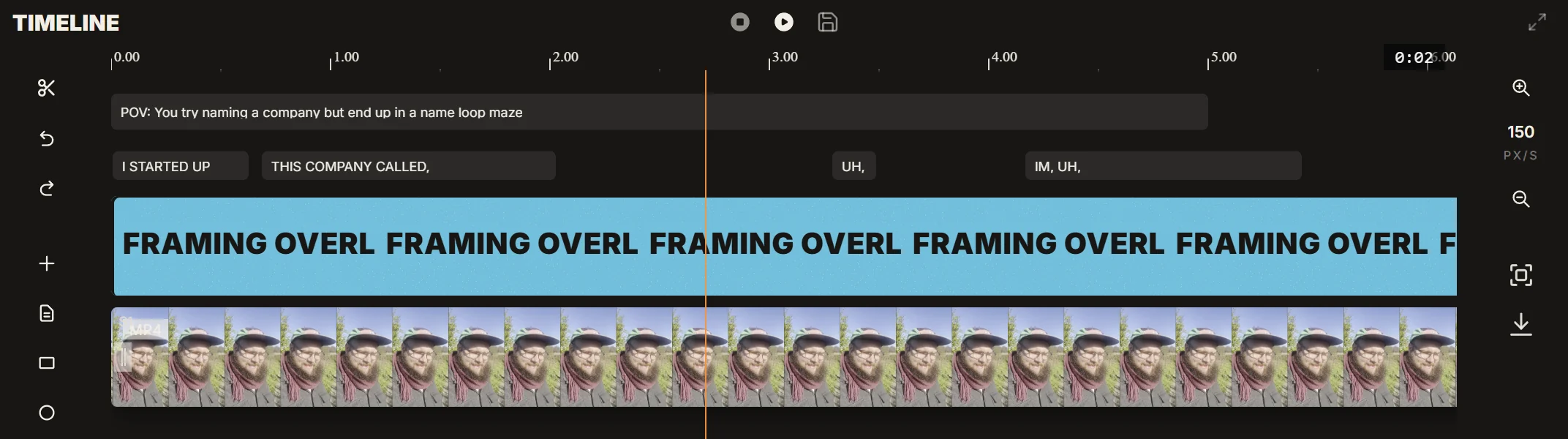
Timeline operations arrive as a revision-checked batch against the cut you have open. If you have changed the timeline in the meantime, the agent can detect that instead of blindly overwriting a newer version of your work.
04
Review, adjust or undo
The agent can inspect frames and play the result back as part of the workflow. You can keep the change, make another request, adjust it manually or undo the batch if it moved the edit in the wrong direction.
The agent works on the timeline you already have.
There is no separate AI version of the project that has to be reconciled afterwards. When you ask for a change, it is applied through the same timeline operations you could have made by hand. That keeps the result legible. You can see what moved, continue editing normally and reverse the batch if it was not what you wanted.
What the agent can reach
The timeline: clips, tracks, audio, canvas and visual layout
Captions, including rebuilding them from the audio when needed
Your media library, searched by what is said and what appears on screen
Publishing actions such as scheduling a finished clip or moving a queued post
Why use an agent inside an editor
A lot of editing time is spent between noticing a problem and carrying out the fix. You watch the cut and immediately know that the opening drags, the captions need rebuilding or a section should disappear. The mechanical part is then finding the right control, making the change and repeating that sequence for every similar issue. A language interface is useful when it shortens that distance without hiding the timeline from you.
The important constraint is trust. Letting software alter an edit is only useful when the changes can be inspected and reversed. Timeline writes are therefore checkpointed and revision-checked as batches. Actions that reach outside the editor, such as scheduling a post, require approval before they run.
The agent is not limited to transcript search. It can combine what was said with visual analysis of the footage, open frames to inspect a result and use the actual media when answering a request. That matters for edits involving something visible but never spoken aloud, or when the transcript alone is not enough to identify the right moment.
It is still a beta, and the division of labour is deliberate. The agent is strongest on concrete, mechanical instructions: trim this, remove that, rebuild these captions, find the moment where this happens, add a specified change. Creative judgement and taste remain yours, which is why the timeline stays visible and the final decision stays with you.
Questions.
What can I actually ask it to do?
You can ask it to trim and tighten clips, remove or move sections, rebuild captions, adjust layout and canvas settings, find moments across your media, create projects or cuts, and schedule finished clips. Concrete instructions are where it is currently strongest.
Does it edit the cut I have open?
Yes. Changes are applied to the selected timeline as a revision-checked batch, so the agent works on your actual cut rather than creating a separate version you later have to merge back.
Can I undo what it did?
Yes. Timeline changes are checkpointed as batches, so the agent's edits can be reversed if you do not want to keep them.
Can it find a specific moment for me?
Yes. It can search both transcript and visual shot analysis across the media in scope and return timecoded matches, including moments that were visible but never explicitly named in the dialogue.
Will it post something without asking?
No. Actions that write outside the editor, including scheduling, require your approval before they run.
Is it finished?
No. It is in beta. It handles concrete editing tasks best today, and you should review the changes it proposes before keeping them.