Opus Clip made AI clipping normal: long video in, short clips out. IMABIRD does that job too. The difference is what comes after. Every clip opens in a full timeline editor. An AI agent edits that timeline when you ask. And exports never carry a watermark, the free plan included. If you want the first pass and the finishing in one place, this is the switch.
Switching takes one video.
No card
01
Bring the same source
Paste the YouTube link you would have given Opus Clip. Twitch VODs, Google Drive and Dropbox links work too, or upload the file. There is nothing to download first.
02
Match your settings
Set clip length, aspect ratio, captions and reframing, then save them as a preset. The reframing layouts cover talking heads, podcasts with two or three people, and streams with a facecam.
03
Compare the picks
You get up to ten clips, each with an AI score and a line on why it was picked. Run the same video through both tools and judge the moments side by side. That is the only comparison that really counts.
04
Finish without leaving
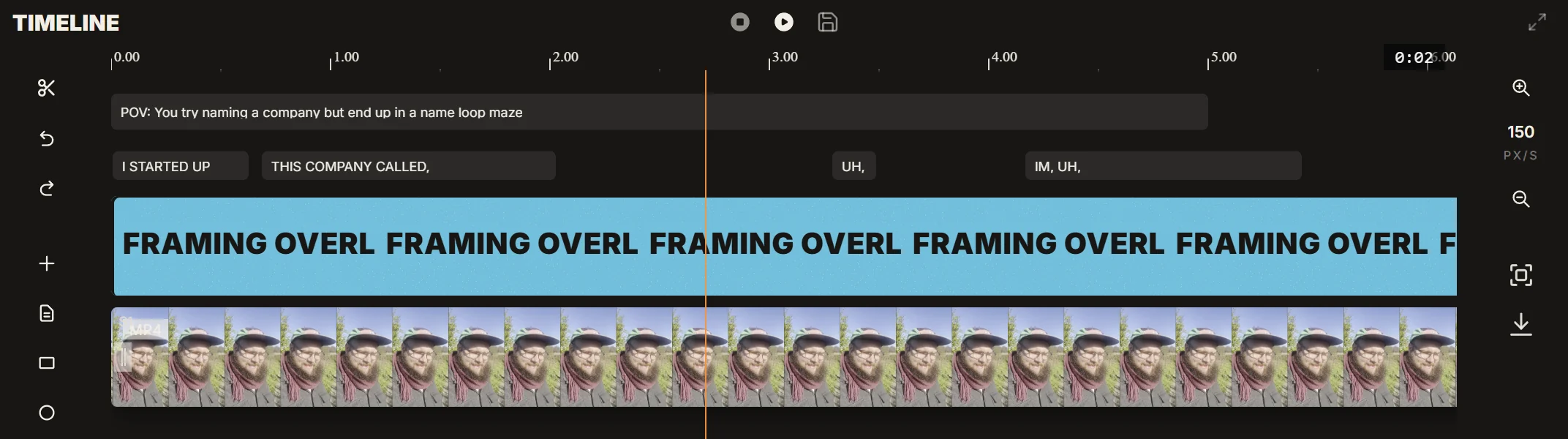
Open any clip in the timeline to trim it, re-time a caption, move the crop or add text. Or ask the agent to do it for you. Export with no watermark and post it, or line it up in the publishing calendar.
Side by side.
IMABIRD
Opus Clip
Watermark on free exports
No
Yes
Links on the free plan
YouTube, Twitch VODs, Google Drive, Dropbox
YouTube
Twitch VOD links
Every plan
Pro plan and up
Kick links
Not yet, upload the file
Supported
Opus Clip details are from opus.pro/pricing and its help centre, checked on 5 October 2026. Plans change, so check there before you decide.
Nothing stamped on your clip.
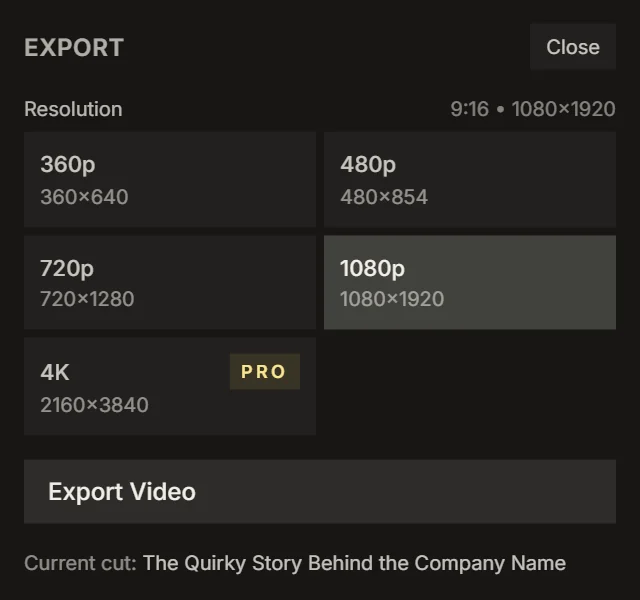
A watermark is the price of a lot of free plans. It brands your clip with somebody else's tool, and many clipping campaigns reject clips that carry another app's logo. IMABIRD does not put one on anything. Export at 360p for a quick check or at 1080p for the feed, and at 4K on Pro and Studio. What you post is your clip and nobody else's logo.
What you already know
Long video in, up to ten captioned vertical clips out
An AI score on every clip, so you know where to start
Clip lengths from 10 seconds up to 90
Presets, so every run starts with your look
Picking a clipper that fits
Judge the picks, not the feature list. Every AI clipper says it finds the best moments. The only test that counts is your own footage. Run one video you know well through each tool. See which one finds the moments you would have picked. Then count how many of the rest you would actually post.
Count the minutes after the AI. A clipper that gets you most of the way and makes the last stretch painful is slower than it looks. Check what it takes to fix a caption, nudge a crop or start a clip two seconds earlier. That is the work you will do every single day.
Read the free plan closely. Watermarks, short storage windows and locked editing are how free plans push you to upgrade. That is fair, but know it before you build a habit on one. IMABIRD's free plan has no watermark and opens every clip in the editor.
Know where your sources live. If you mostly clip YouTube videos and Twitch VODs, IMABIRD takes both links directly. If you clip Kick or Rumble streams, IMABIRD does not take those links yet. Download the VOD and upload the file instead.
Questions.
Is IMABIRD free to try?
Yes. The free plan needs no card and adds no watermark. Paid plans add more runs, and Pro and Studio add longer sources and 4K export.
Will my free exports carry a logo?
No. Nothing is stamped on exports on any plan.
Does every clip get a score?
Each clip shows an AI score out of 5 from the moment finder, plus a line on why it was picked. You can add your own star rating next to it.
Can I bring in a Kick stream?
Not by link yet. Download the VOD and upload the file, and IMABIRD clips it like any other video.
Can the AI make the edits for me?
Yes. The agent reads your footage and changes the real timeline when you ask: tighten a clip, rebuild captions, move the crop. Each batch is checkpointed, so you can undo it.