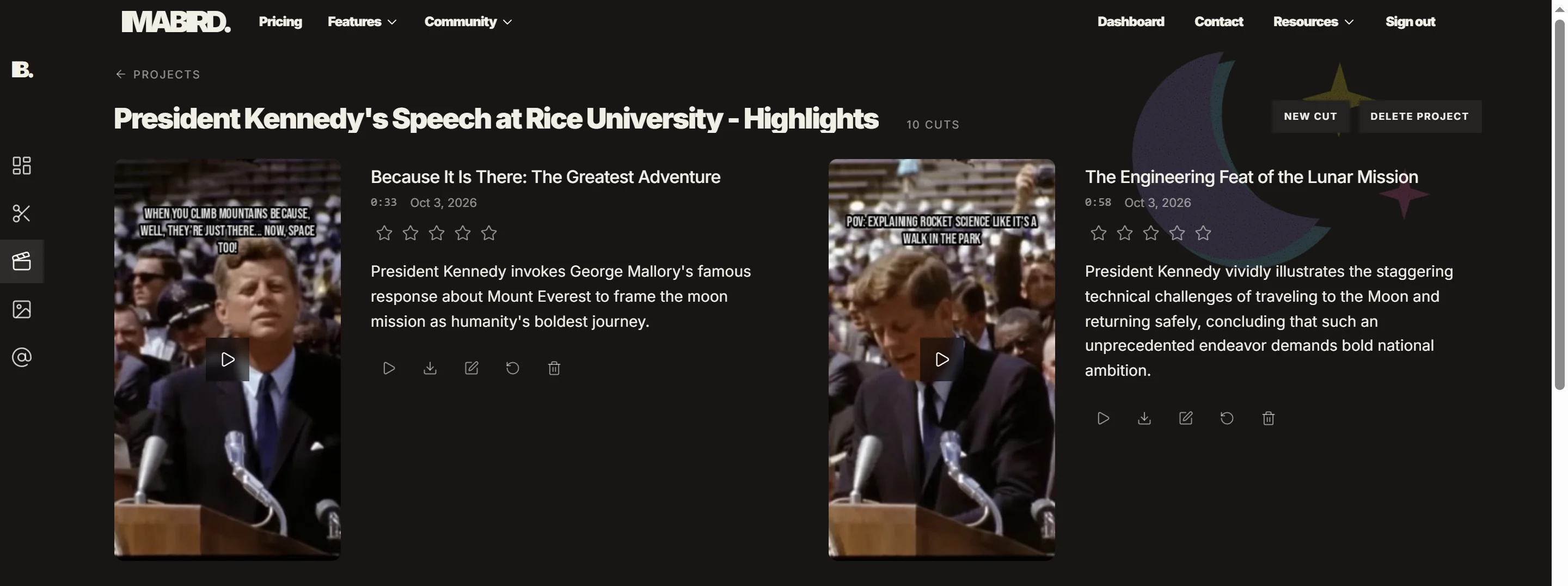
IMABIRD turns a full video podcast episode into captioned vertical clips that stand on their own, with multi-face reframing for two or three people trading turns in a wide shot.
A full podcast asks for a large commitment from someone who does not know the show yet. A good clip asks for thirty seconds. IMABIRD works through the full video episode, finds moments that can stand on their own, cuts them into short-form pieces and reframes the conversation for vertical. You keep the episode, the generated clips and the edits together in one project.
Turn the episode into a working batch.
Multi-speaker
01
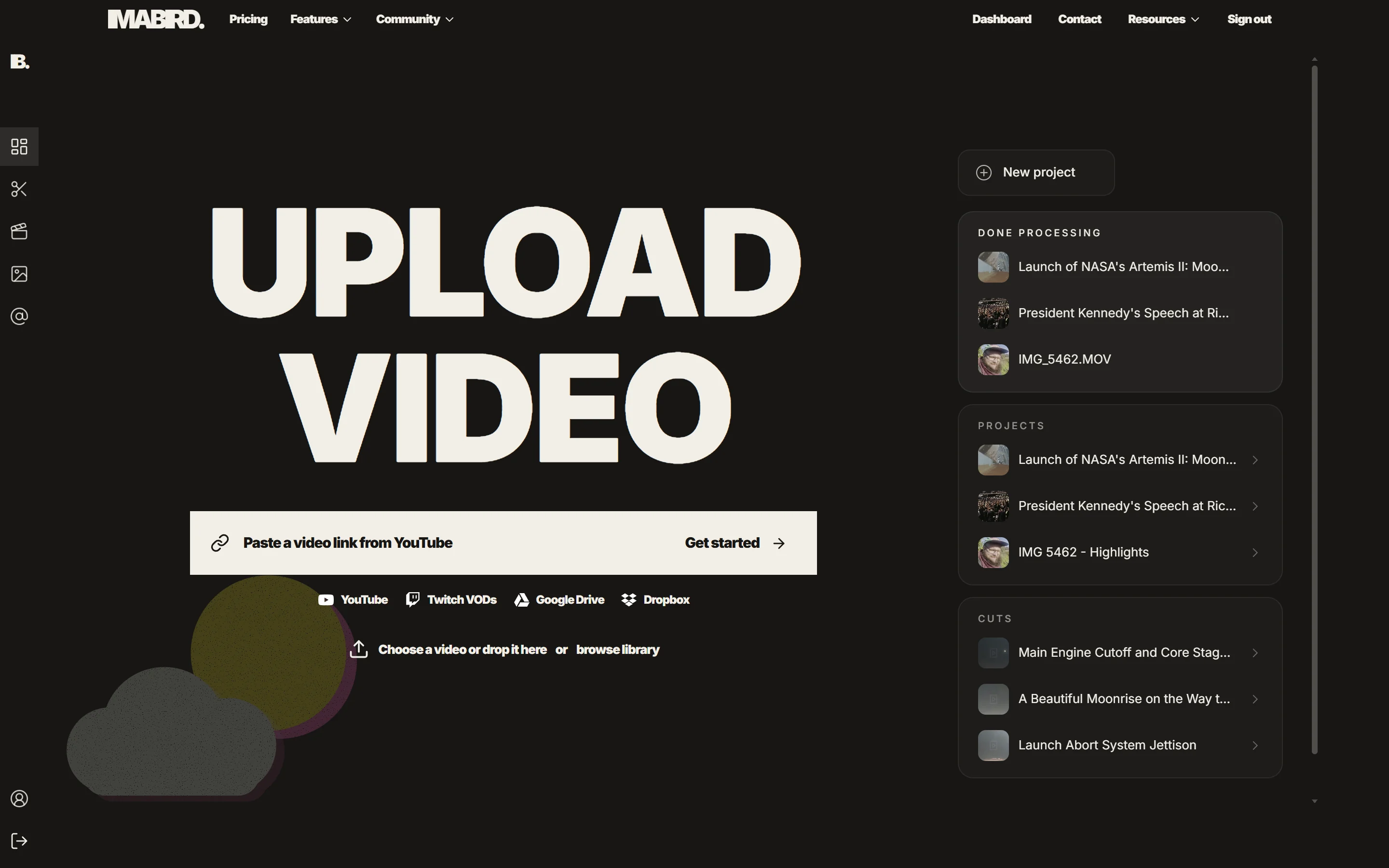
Bring the episode in
Upload the recording or paste a link. Google Drive and Dropbox are useful for unreleased episodes that are still sitting in a production folder, while a published YouTube episode can be pulled in directly from its URL.
02
Let the full episode run
IMABIRD looks for moments that resolve inside themselves: a question and its answer, a story with an ending, an argument with enough context to understand it, or a useful explanation that does not rely on the previous twenty minutes.
03
Check the conversation in vertical
Wide podcast shots are where reframing gets difficult. Multi-face reframing handles the common cases, but the camera view is there when the crop follows the wrong person, changes too aggressively or leaves something important outside the frame.
04
Clean the details and publish
Read through names, companies and unusual terms in the captions, make any timeline changes you want, then export the finished clips or spread them across the week from the publishing calendar.
The source and every clip stay connected.
Podcast clipping rarely ends in one session. You publish the obvious moments, then come back later because a guest starts trending, a topic becomes relevant again or you simply need another post. Keeping the original episode beside the clips already made from it means you can return to the same source without rebuilding the project or hunting through old exports.
Worth setting once per show
A cut preset with the caption style and visual treatment you want the show to keep
Clip length, which interviews and explanations often want toward the longer end
Multi-face reframing for two or three people trading turns in a wide shot
Aspect ratio for the platforms and placements you actually publish to
What makes a podcast clip work on its own
The simplest test is whether a stranger can understand the clip without knowing what happened earlier in the episode. A brilliant line can still be a bad clip if it depends on a name, story or premise introduced twenty minutes before. When there is a choice, the slightly less dramatic moment that explains itself usually travels further than the stronger moment that needs context.
Short clips also change the publishing rhythm of a show. A weekly episode gives you one large release. Five useful clips from that episode give you several smaller reasons to appear between releases, using material you already recorded. The economics only work when getting those clips out is quick enough that the editing does not become a second production cycle.
Names deserve disproportionate attention in the caption pass. Podcasts are full of people, companies, products and technical terms that may have been introduced only once. Those are also the words viewers are most likely to search for or notice when they are wrong, so fixing them is worth more than polishing ordinary transcription.
Framing should follow the shape of the conversation rather than mechanically chase whoever is speaking. If two people exchange short lines, a crop snapping left and right every two seconds can be more distracting than keeping both people visible. The camera view lets you make that judgement per clip instead of accepting one rule for the whole episode.
Questions.
Do I need a video podcast?
Yes. IMABIRD edits video, so it needs a video recording of the episode rather than an audio-only file.
Can I use it on episodes I have not released yet?
Yes. Upload the file directly or paste a Google Drive or Dropbox link to the recording before it is published.
How does it handle two or three speakers?
Multi-face reframing is designed for that case. The camera view then shows the vertical crop against the source, so you can correct any shot where it followed the wrong person or used the wrong composition.
Can I keep every clip looking like the same show?
Yes. Save a cut preset with your caption style, clip length, aspect ratio and reframing mode, then use that preset for each episode.
How long can the source episode be?
Processing time depends on the length of the source and the options you choose. You can leave the run going and open completed clips from the dashboard as they become available.